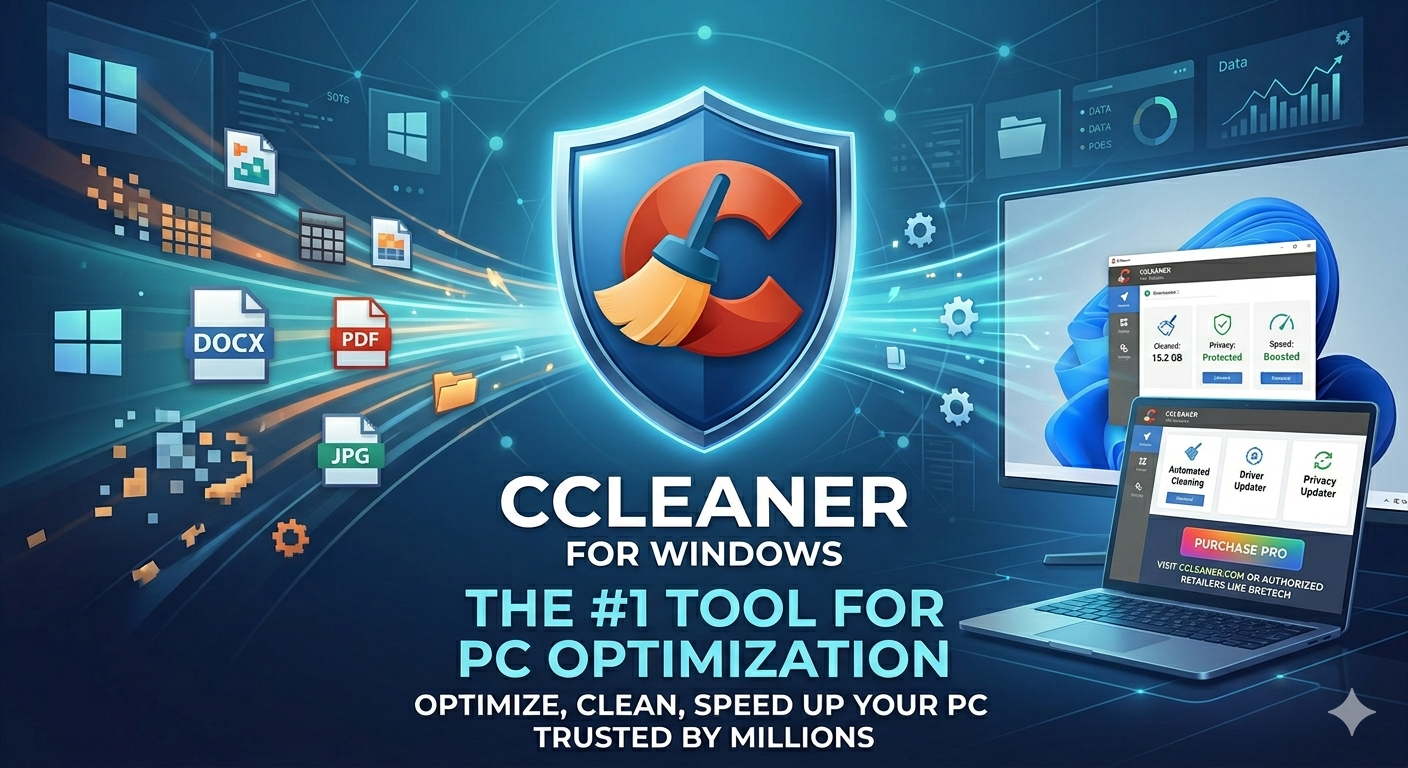
An Expert Review of CCleaner Free for Windows
For over two decades, CCleaner has been the quintessential “first download” for users setting up a new Windows machine or trying to breathe life into an aging laptop. However, the Windows utility ecosystem has changed drastically, with Microsoft building robust native maintenance tools directly into the OS.
Does a standalone utility like CCleaner Free still deserve a spot on your storage drive, or has it been reduced to redundant bloatware? This deep-dive expert review dissects the features, weighs the pros and cons, and explores where this classic app fits into modern computing.
Core Functionality
CCleaner Free operates fundamentally as a file aggregation and deletion engine. While the interface pushes its streamlined “Health Check,” the true power of the software lies within its traditional Custom Clean and ancillary system utilities.
1. Custom Clean: The Star of the Show
Where Windows Storage Sense offers a generalized sweep of system junk, CCleaner’s Custom Clean behaves like a surgical scalpel. It targets specific repository zones that native tools often gloss over:
- Browser Cruft: It clears internet caches, history, cookies, and download histories across multiple installed browsers (Chrome, Edge, Firefox, Opera) simultaneously.
- Application Leftovers: It purges temporary log files and caches from third-party utilities like Adobe Photoshop, VLC Media Player, Steam, and Discord.
- System Refuse: It targets memory dumps, chkdsk file fragments, Windows log files, and thumbnail caches.
2. The Built-In Toolbox
Beyond clearing cache files, the Free version provides several valuable system utilities packed into a single dashboard:
- Startup Manager: An accessible interface to enable or disable programs launching with Windows, alongside scheduled tasks and context menu items.
- Software Uninstaller: A clean interface that often forces stubborn applications to uninstall when the native Windows “Apps & Features” menu hangs.
- Duplicate Finder: A straightforward bit-by-bit or name-matching tool to locate identical files eating up storage.
Pros and Cons
Like any utility that modifies system directories, CCleaner Free has clear advantages and distinct risks.
The Pros
- Granular Control: You decide exactly which log files, cookies, or temporary directories to wipe down to the specific application folder.
- Centralized Maintenance: Instead of jumping between browser settings, Windows Storage settings, and Task Manager, you manage startup items and temporary files in one UI.
- Excellent Drive Reclamation: For small SSDs or devices heavily bogged down by years of browser cache data, it can easily reclaim several gigabytes of space in a single pass.
- Zero-Cost Utilities: Features like the Duplicate Finder and the context-menu startup editor are entirely functional without spending a dime.
The Cons
- Aggressive Upselling: The free tier is heavily punctuated by pop-ups and greyed-out options prompting you to upgrade to Professional for automated background cleaning, the “Performance Optimizer,” and the “Driver Updater.”
- The Redundant Registry Cleaner: CCleaner still prominently features a Registry Cleaner. Modern operating systems rarely suffer performance drops from orphaned registry keys. Modifying the registry yields virtually zero speed boosts and carries a small risk of breaking software dependencies if handled incorrectly.
- Overlapping Native Tools: Windows 10 and 11 now include Storage Sense, built-in Startup control via Task Manager, and advanced optimization tools, making third-party sweeping less revolutionary than it was in the Windows XP era.
Ideal Use Cases
CCleaner Free is no longer a mandatory install for every single PC, but it excels in specific scenarios:
- The Shared Family Computer: Perfect for quickly wiping browser session data, cookies, and local histories across multiple web browsers in two clicks to maintain basic privacy between users.
- Low-Capacity SSD Management: If you are running an affordable laptop with a 128GB or 256GB drive, CCleaner Free is brilliant for identifying hidden application caches and system logs that Storage Sense leaves behind.
- Reviving Legacy Hardware: For older machines running aging configurations, using the startup manager to strip away background processes is a reliable way to reduce boot times and free up precious RAM.
Purchasing Information & Upgrades
While the CCleaner Free version handles on-demand cleaning perfectly well, Piriform offers premium tiers for automated maintenance, automated driver updating, and multi-device coverage.
Pricing Tiers
- CCleaner Free: $0 (On-demand cleaning, basic privacy protection).
- CCleaner Professional: ~$44.95/year (Adds real-time junk monitoring, Driver Updater, Performance Optimizer, and scheduled cleaning).
- CCleaner Professional Plus: ~$64.95/year (Covers up to 3 devices and bundles Recuva Pro for file recovery and Speccy Pro for hardware analysis).
Where to Buy
To ensure security, avoid malware-laden cracked versions, and receive genuine licenses, you should purchase or download the utility directly through official channels:
- Official Site: The safest and most direct method is via the Official CCleaner Website.
- Authorized Retailers: Digital software distributors like BreTech offer genuine retail keys and localized bundle pricing for users looking for alternative payment methods or regional discounts.
About the Author