
As a creator working daily with video production, social media automation, and digital asset generation, I have spent hundreds of hours testing almost every AI video tool on the market. The AI video landscape has evolved rapidly: we have shifted from glitchy, morphing 2-second loops to hyper-realistic, physics-aware, cinematic video generation.
However, no single tool does everything perfectly. Some excel at Hollywood-style cinematic shots, others dominate social media shorts, and a few are built strictly for corporate presentations.
In this guide, I break down the 11 best AI video generators based on my personal workflow testing, evaluating their interface efficiency, output fidelity, real-world usability, pros, cons, and actual pricing.
1. Google Veo 3.1
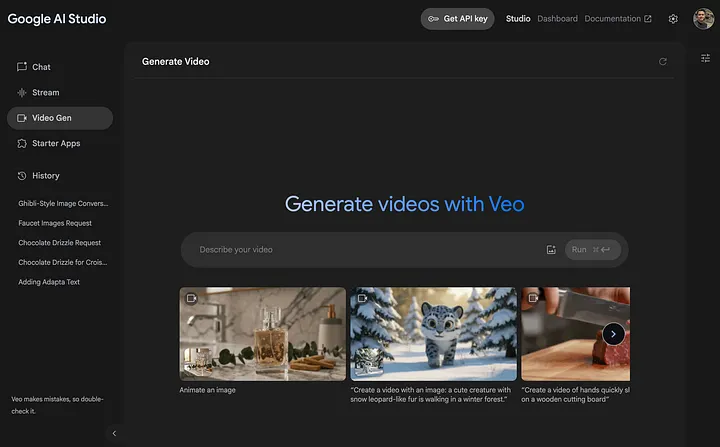
When I first pushed Google Veo through complex prompt stress tests, what stood out immediately wasn’t just the visual fidelity—it was the native audio and dialogue sync. Veo 3.1 doesn’t just render video; it generates contextual sound effects and spoken dialogue aligned with character lip movements right out of the box. these features pushed me to keep google veo at top of the list of my best ai video generators.
- My Take: It’s currently my top pick for realistic storytelling and quick image-to-video conversions where natural environment audio is needed without jumping to external sound suites.
- Pros:
- Exceptional native audio, dialogue, and atmospheric background sound generation.
- Strong adherence to reference images and character continuity.
- Direct integration within Google’s creative ecosystem (Gemini / Flow workspace).
- Cons:
- High-resolution exports on lower tiers carry watermarks.
- Complex multi-character action sequences can occasionally suffer minor spatial distortion.
- Pricing: Free daily testing credits available. Paid tiers begin at $4.99/month via Google AI Plus subscriptions.
2. OpenAI Sora 2
Sora 2 remains a benchmark for physical world simulation. During my testing with complex camera movements—such as low-angle drone sweeps through dense environments—Sora handled reflections, spatial gravity, and lighting shifts better than almost any competitor. Sora 2 was good enough to include in best ai video generators list.
- My Take: Ideal for high-end visual concepts and cinematic trailers, though its access model requires careful credit management.
- Pros:
- Market-leading understanding of real-world physics and camera dynamics.
- Flawless multi-shot consistency across extended prompts.
- Crisp 1080p and higher native output options.
- Cons:
- Access is restricted behind higher-tier subscription tiers and API usage.
- Generation queues can slow down during peak server traffic.
- Pricing: Tiered access via ChatGPT Plus/Pro subscriptions ($20 – $200/month) or API usage (~$0.10/second at 720p).
3. Runway (Gen-4 / Gen-3 Alpha)
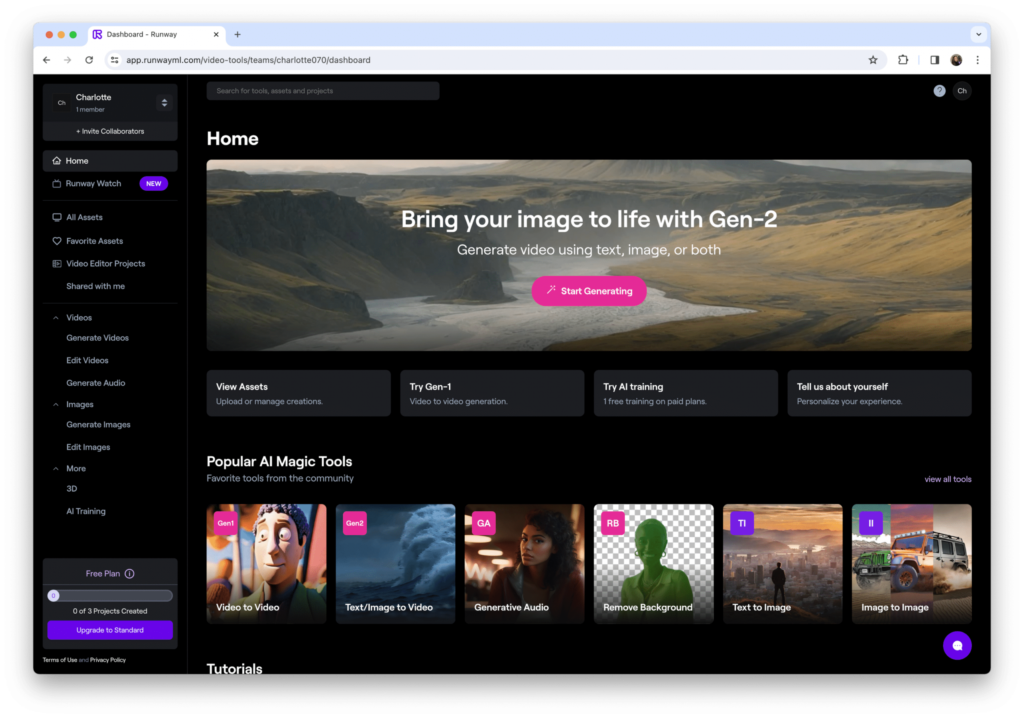
Runway has been a staple in my video editing stack for a long time. Unlike simple prompt box tools, Runway’s studio UI feels like a true editor’s workspace, complete with Multi-Motion Brush, camera control vectors, and timeline restyling tools.
- My Take: If you are a professional editor who needs granular control over specific regions of a video frame moving in precise directions, Runway is irreplaceable.
- Pros:
- Unmatched creative control with precision motion brushes and directional camera cues.
- Robust suite including image-to-video, video-to-video, and green-screen tools.
- Custom style and model training capabilities.
- Cons:
- High-tier generation burns through monthly credits quickly.
- The interface has a slight learning curve for total beginners.
- Pricing: Free tier (125 one-time credits). Standard plan starts at $12/month (annual billing) or $15/month (monthly).
4. Luma Dream Machine
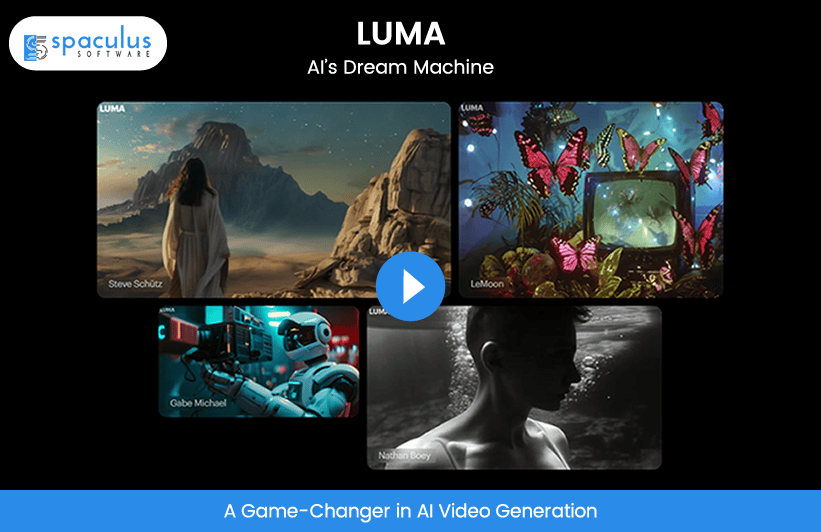
Luma’s Dream Machine impressed me with its rendering speed and handling of 3D volume. When converting still photographic assets into 3D camera fly-throughs, Luma preserves camera depth and atmospheric lighting with minimal artifacting.
- My Take: It is my go-to engine when I need fast image-to-video transitions with dramatic camera depth for promotional clips.
- Pros:
- Rapid preview generation times.
- Superior camera movement depth and realistic lighting reflections.
- Clean, minimal user interface focused on quick iteration.
- Cons:
- The free tier limits are quite restrictive for daily workflows.
- Enterprise-level high-credit packages get expensive quickly.
- Pricing: Free plan with basic credits. Paid tiers start at $9.99/month (Standard).
5. Kling AI
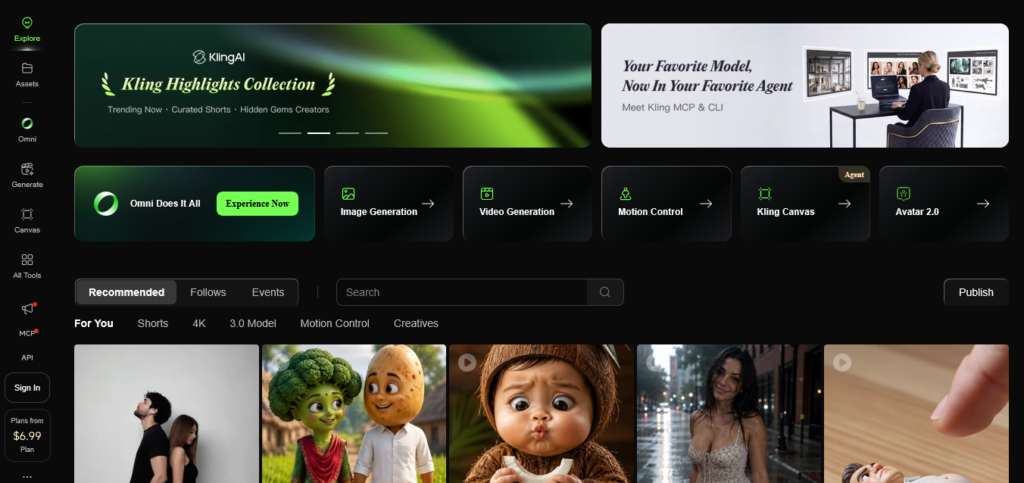
Kling AI has been a pleasant surprise in my testing, particularly for realistic human motion. While many generators struggle with natural walking cycles or facial expressions, Kling handles organic human movements with high stability.
- My Take: Highly cost-effective for creators who need realistic human character shots without paying top-tier subscription rates.
- Pros:
- Excellent human motion and facial physics simulation.
- Generous daily check-in free credits.
- Very competitive pricing structure for solo creators.
- Cons:
- High-res export renders consume credits rapidly.
- Prompt interpretation can occasionally misfire on abstract concept art.
- Pricing: Free daily check-in credits. Paid plans start at $10/month.
6. Higgsfield AI
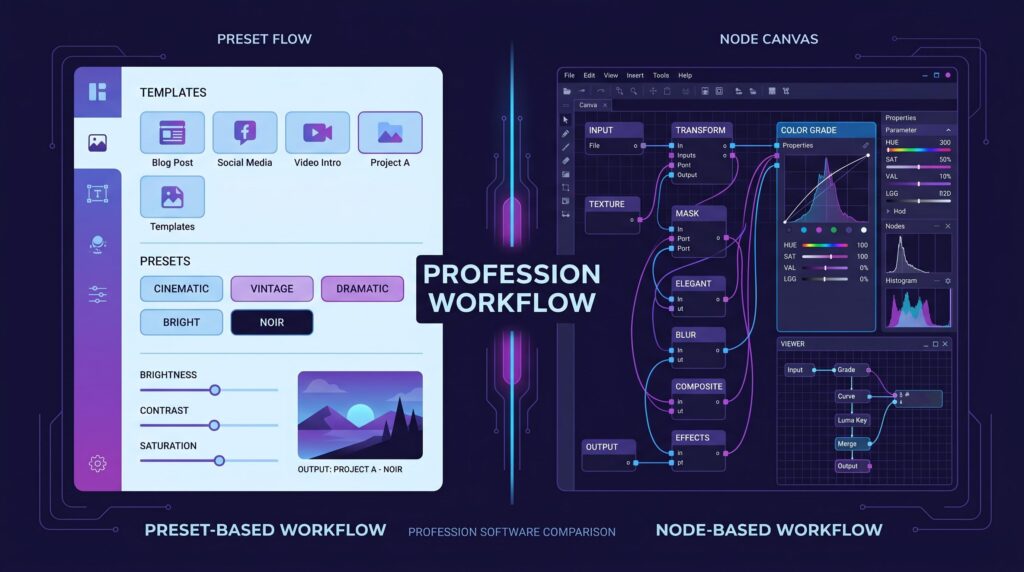
I specifically tested Higgsfield AI for short-form video creation and product marketing. What sets it apart is its library of over 50 cinematic preset camera movements—like FPV drone passes, dolly zooms, and 360 bullet-time sweeps—that can be applied directly to single image uploads.
- My Take: If you produce vertical content for TikTok, Instagram Reels, or e-commerce product listings, Higgsfield’s camera movement presets save hours of complex prompting. this tool has created his place in best ai video generators list of mine.
- Pros:
- 50+ pre-built cinematic camera paths (Dolly, FPV, Orbital, Bullet-time).
- Optimized out of the box for vertical (9:16) short-form content.
- Instant transformation of flat product photos into dynamic ad clips.
- Cons:
- Specialized primarily for short clips; less flexible for long-form narrative editing.
- Free trial credits are tight, requiring a paid subscription for regular output.
- Pricing: Free trial available. Creator plans start at $9 – $15/month, with Pro options at $39/month.
7. Pika (Pika 2.5)
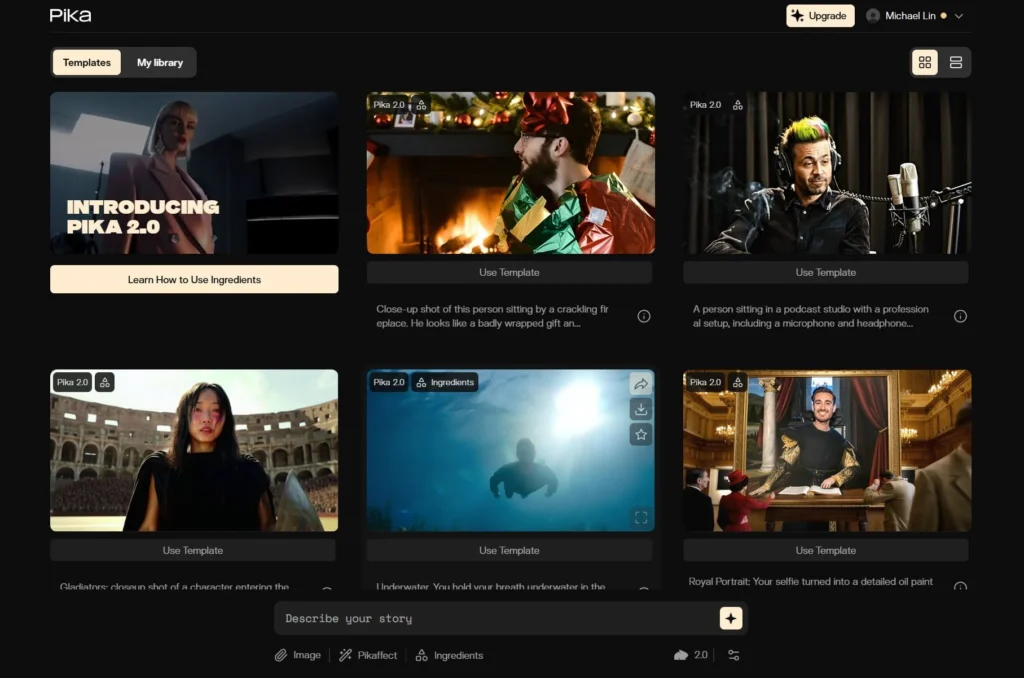
Pika has consistently been the most fun and creative tool in my kit. Version 2.5 shines when adding stylized effects, 3D animations, or using their “Pika Effects” (like melting, exploding, or inflating objects) directly on video frames.
- My Take: Best suited for quick viral clips, eye-catching social media hooks, and animated visual experimentation.
- Pros:
- Innovative regional editing (Modify Region / Inpainting) to fix specific video glitches.
- Unique, viral visual effect presets.
- Fast generation time with intuitive mobile-friendly UI.
- Cons:
- Photorealistic human generations lag slightly behind Sora or Veo.
- Free plan resolution is capped at 480p.
- Pricing: Free plan available. Standard plan starts at $8/month (annual) or $10/month (monthly).
8. HeyGen
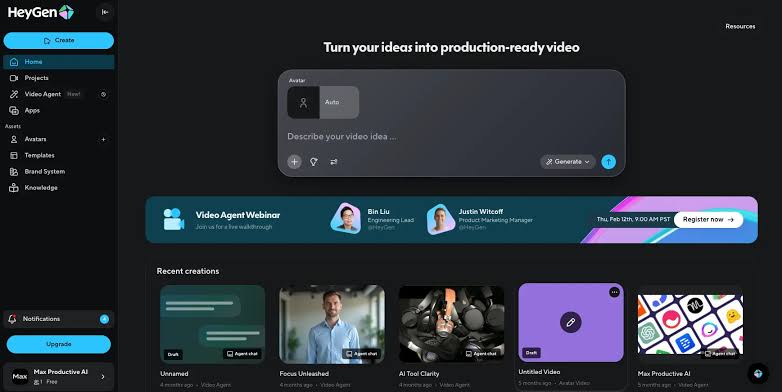
When I need to produce faceless video content, multi-lingual localization, or spokesperson presentations, HeyGen is my top choice. Its avatar lip-sync accuracy and voice cloning are remarkably convincing.
- My Take: Not designed for cinematic movie scenes, but unbeatable for marketing, tutorial creation, and automated video translation across 40+ languages.
- Pros:
- Industry-leading avatar lip-sync fidelity and customizable digital twins.
- Instant multi-lingual video translation with voice matching.
- Huge template library for quick production.
- Cons:
- Limited to presenter-style content (cannot generate cinematic action shots).
- Higher monthly cost compared to pure text-to-video tools.
- Pricing: Free trial available. Creator plan starts at $29/month.
9. Synthesia
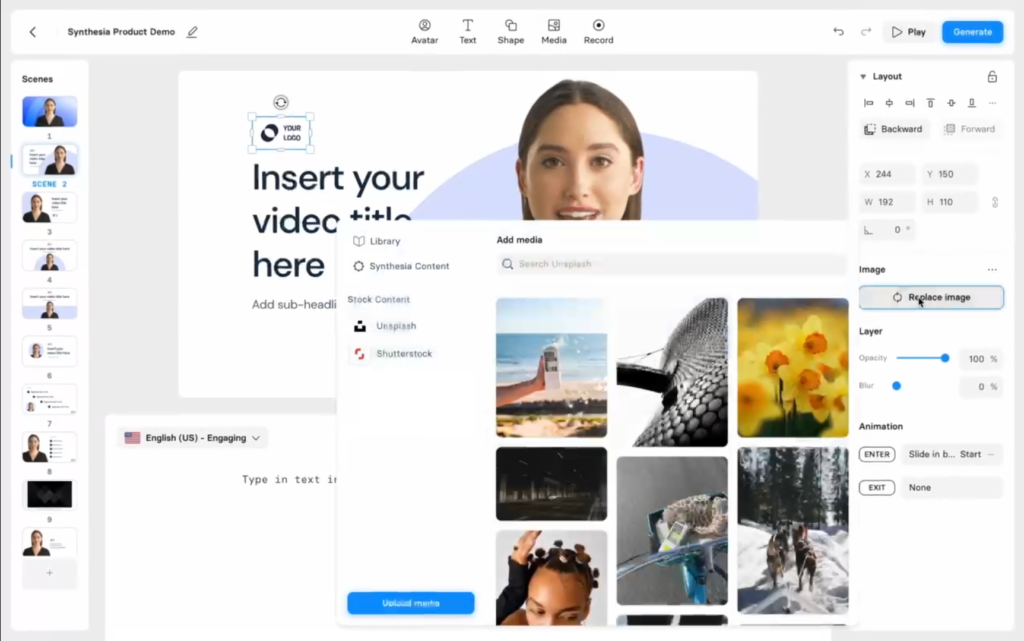
Synthesia is the corporate powerhouse of the avatar space. In my workflow tests for documentation and client training modules, Synthesia’s integration with PowerPoint and compliance features made it an efficient enterprise solution.
- My Take: Built for business teams, HR onboarding, and educational course creation where security and standard templates are priority.
- Pros:
- 140+ diverse corporate avatars with support for 120+ languages.
- Direct PowerPoint presentation to video workflow.
- SOC 2 compliant enterprise security.
- Cons:
- Avatars can feel slightly rigid for creative storytelling.
- Pricing structure leans heavily toward business budgets.
- Pricing: Starter plan at $18/month (billed annually) or $29/month.
10. InVideo AI
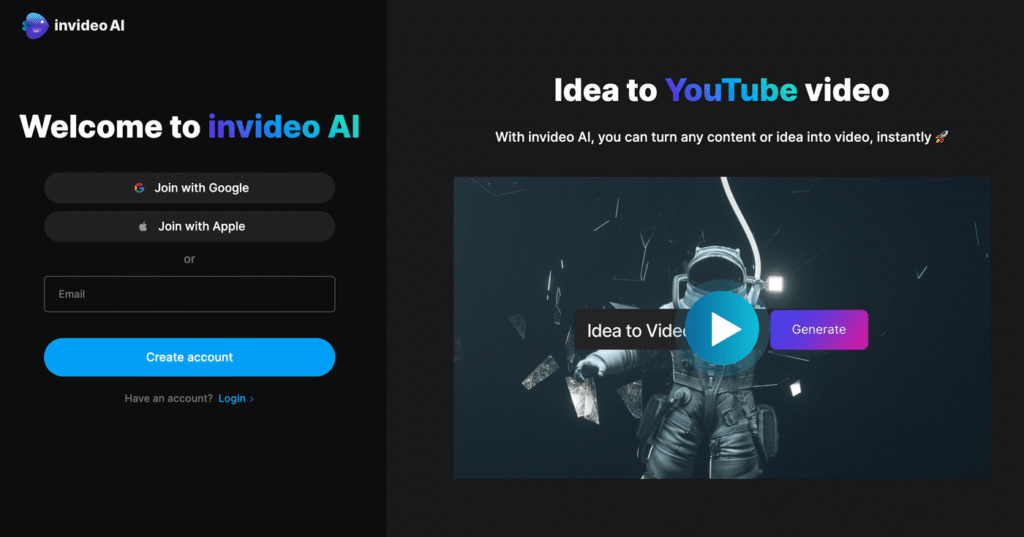
InVideo AI acts as a full video editor in a prompt box. When I tested it for quick YouTube Shorts and faceless channel automation, entering a simple script prompt generated a complete project—including script writing, stock footage assembly, subtitles, voiceover, and background music.
- My Take: Perfect for content creators looking to publish volume on YouTube without spending hours assembling stock media manually.
- Pros:
- Full end-to-end video creation (Script + Voiceover + Media + Captions) in one prompt.
- Text-based editor allows you to edit videos by typing simple commands.
- Access to a massive library of premium stock assets.
- Cons:
- Relies heavily on stock video footage rather than fully custom generative AI physics.
- Watermark present on free exports.
- Pricing: Free plan available. Plus plan starts at $20/month (billed annually).
11. Adobe Firefly Video
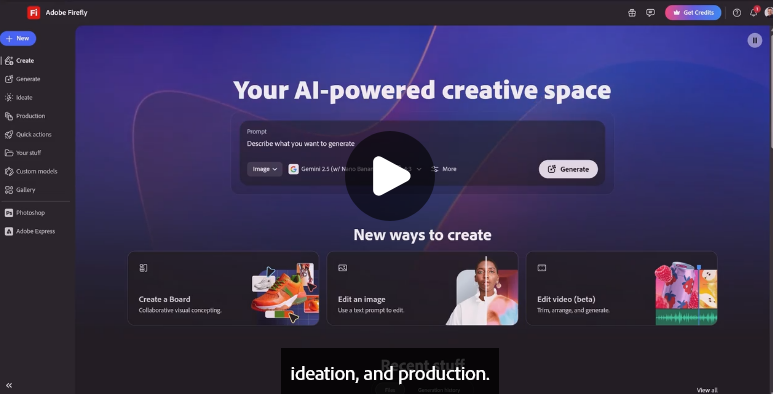
Adobe’s entry into generative video is designed specifically with commercial safety in mind. Integrated into Premiere Pro and the Creative Cloud ecosystem, Firefly Video allows editors to generate b-roll and extend clips cleanly without copyright concerns.
- My Take: The safest bet for agency work and commercial client projects where copyright indemnity is mandatory.
- Pros:
- 100% commercially safe, trained strictly on licensed and public domain media.
- Seamless timeline integration inside Adobe Premiere Pro.
- Fine camera control over angles, distance, and shot composition.
- Cons:
- Lacks integrated native audio generation.
- Clip lengths are currently focused on short b-roll extensions.
- Pricing: Included with Adobe Creative Cloud plans starting at $9.99/month (via generative credits).
Summary Comparison Matrix of 11 Best Ai Video Generators
Below is the estimated cost of 11 best ai video generators, prices are subject to change in future so this is comparison is based on current prices.
| Tool Name | Core Strength | Ideal Use Case | Starting Price |
| Google Veo 3.1 | Native Audio & Realism | Cinematic Shorts & Sound | $4.99 / mo |
| OpenAI Sora 2 | Physics & Visual Continuity | Complex Trailers & VFX | ~$20 / mo |
| Runway | Granular Control & Editing | Creative Filmmaking | $12 / mo |
| Luma Dream Machine | 3D Depth & Speed | Fast Image-to-Video | $9.99 / mo |
| Kling AI | Realistic Human Motion | Character Animation | $10 / mo |
| Higgsfield AI | 50+ Camera Presets | Short-Form & E-commerce Ads | $9 / mo |
| Pika | Stylized Effects & Inpainting | TikTok/Reels & Animations | $8 / mo |
| HeyGen | Avatar & Lip-Sync | Marketing & Translations | $29 / mo |
| Synthesia | Corporate Avatars | HR & Enterprise Training | $18 / mo |
| InVideo AI | Automated Script-to-Video | Faceless YouTube Channels | $20 / mo |
| Adobe Firefly | Commercially Safe B-Roll | Agency & Premiere Workflows | $9.99 / mo |
About the Author
